ලිමිට් නැතුව
Internet යන්න
Choose a plan, test your connection, and manage renewals through your own usage portal.
Choose your server region
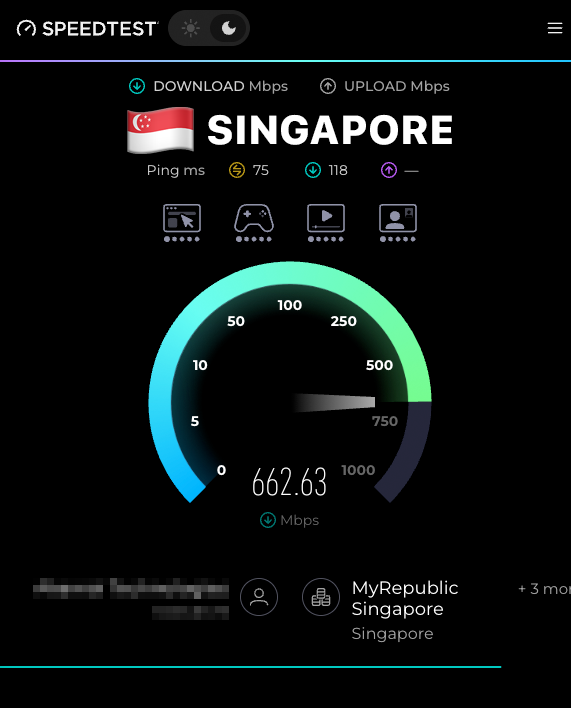
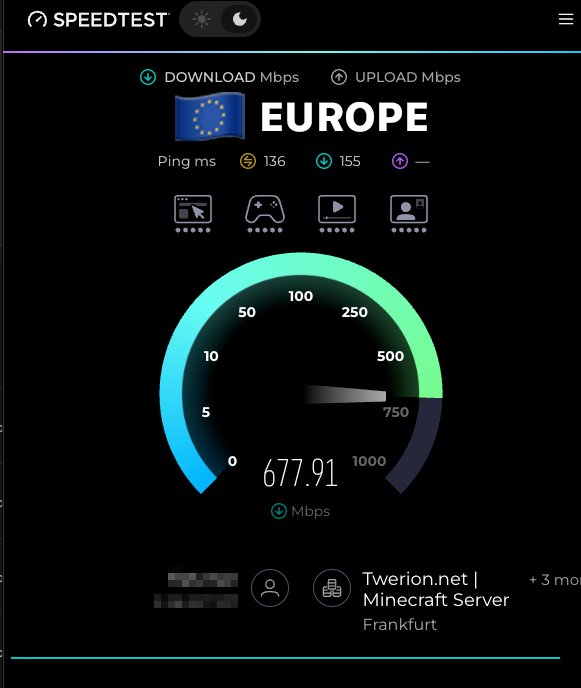
Europe Premium is selected by default. Choose Singapore Premium for our most consistent low-ping gaming experience, or Singapore Flex for affordable gaming with speeds that may be lower during busy times.
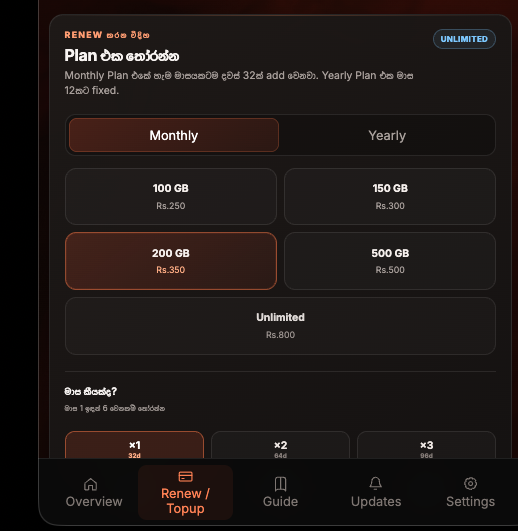
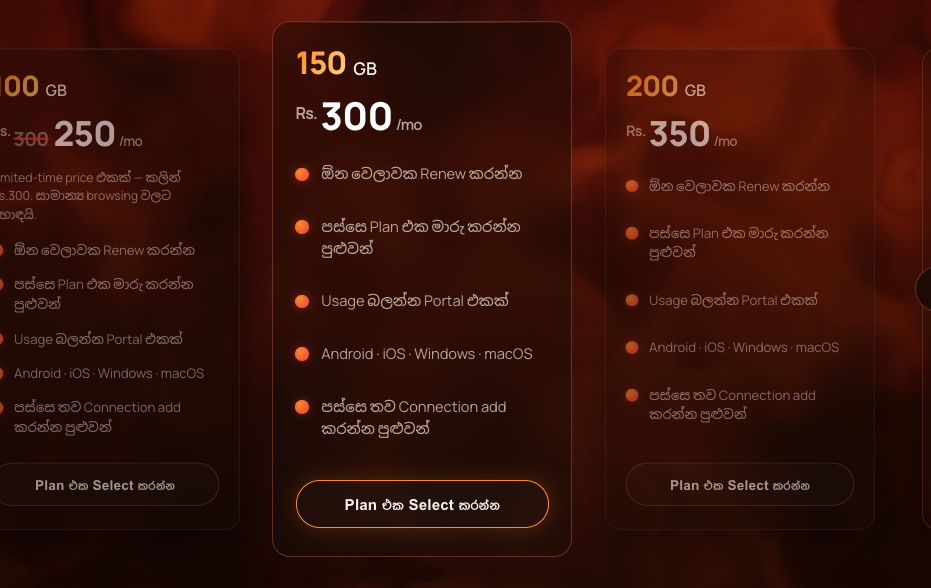
Choose your data amount
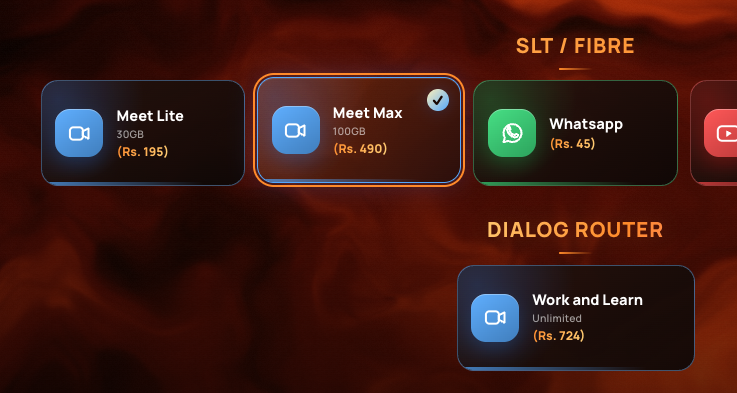
Choose your active package
Choose the add-on you already activated in your provider app.
Your selection
A 1GB test server is created first. Your paid renewal request waits for admin approval.
How this works
Activate your add-on package
First, activate the matching Zoom or Social Media package in MySLT, MyDialog, or your provider's app.
Choose a plan
Pick the data amount that fits how you use the internet. You can change it later.
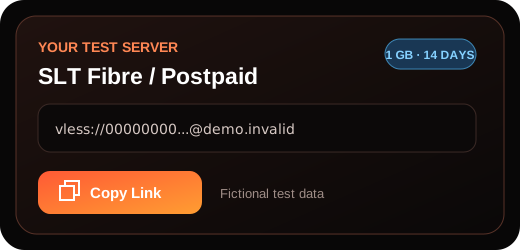
Get a free test server first
Before you commit, you receive a 1GB test server to verify your connection works.
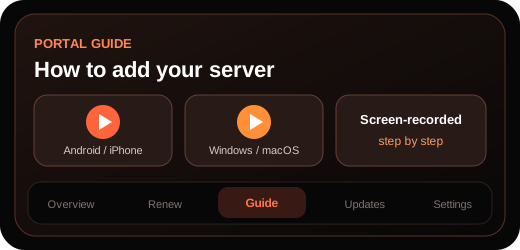
Add and test your server
After creating your account, follow the video tutorial in the Portal Guide and test your server.
Approve your paid plan
If you selected a paid plan, its pending renewal request appears for admin approval and upgrades the same server.