500GB
Rs.500/mo
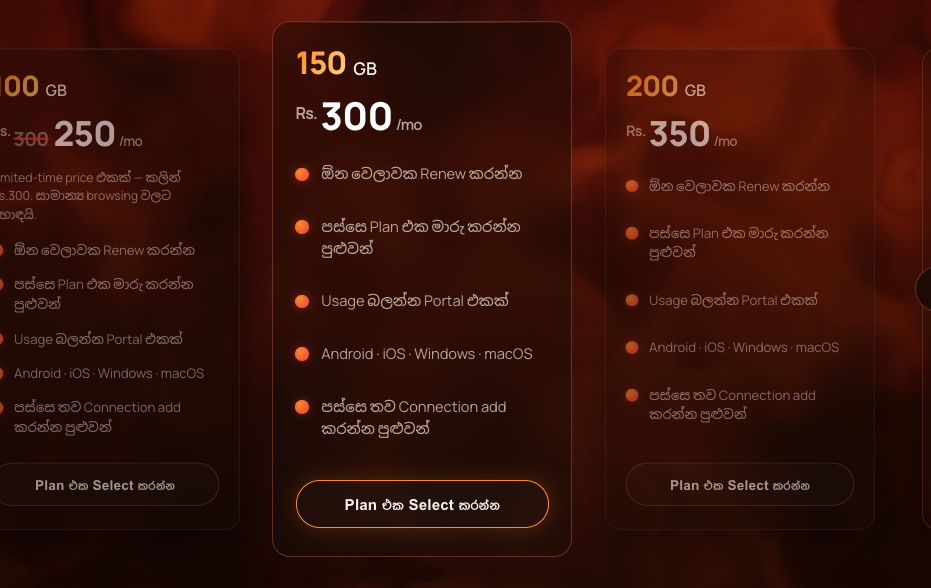
- Renew anytime
- Upgrade or change plan later
- Usage check portal
- Android · iOS · Windows · macOS
- Add more connection profiles later
Choose a plan, test your connection, and manage renewals through your own usage portal.
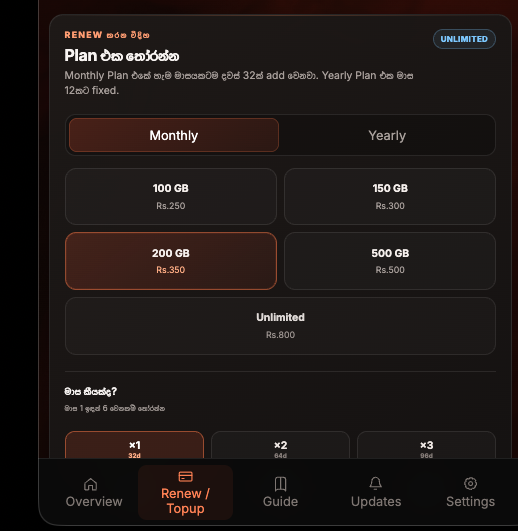
Swipe through and select the package that fits you. Switch between monthly and yearly billing.
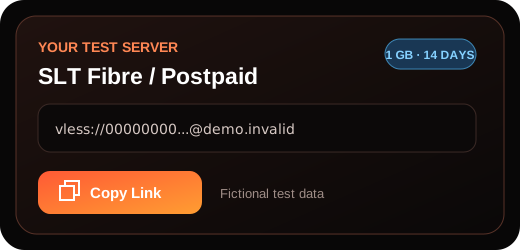
Private test server in your own name. This is not a shared public server.
Limited-time price — was Rs.300. Great for everyday browsing.
200GB every month, resets on the 1st. If you exceed it before your renewal date, you'll need a new server — just contact us.
Pick your connection and the package you're on. You'll need a plan (above) and a package to continue.
Your account starts with a private test server in your own name for FREE. If you selected a paid plan, its Renewal request is created automatically and the same server upgrades after admin approval.
New users always start with a free test connection. A selected paid plan waits for admin approval before the same server upgrades.
First, activate the matching Zoom or Social Media package in MySLT, MyDialog, or your provider's app.
See the supported Addon List below.
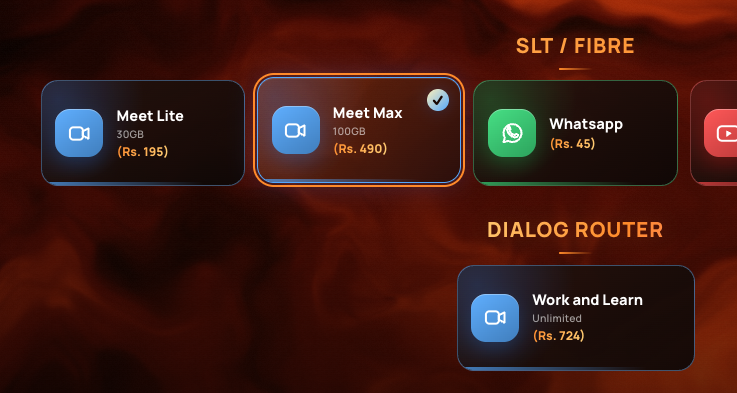
Pick the package that fits how you use the internet. You can change it later.
Before you commit, you receive a small test server to verify your connection works for you.
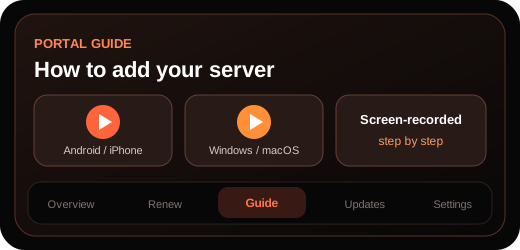
After creating your account, watch the screen-recorded tutorial in the Portal Guide, add your server, and test the connection.
If you're happy with the server, open Renew / Topup in the Portal, choose the GB amount you need, and submit your request.
Step-by-step video guides — coming soon.